Flight itinerary maker for travel agents
Give every customer a clear itinerary: passengers, each flight with dates and times, baggage and booking references. Parvaz makes it from the booking in about a minute and sends it as a PDF or a link.
What you get
Every segment, clearly
Round trips, connections and multi-city: each flight with date, times, terminal, class and baggage.
Booking references
Airline and GDS PNRs shown the way the airline writes them.
Looks professional
Pick a layout, add your logo and notes. Only your agency name is on it.
PDF, print or link
Send on WhatsApp or e-mail, or share a link to the live ticket.
From a PDF or photo
Add the booking PDF or a screenshot; AI fills the form for you to check.
Phone first
Everything works on a phone, with or without internet.
How it works
Three steps. About one minute.
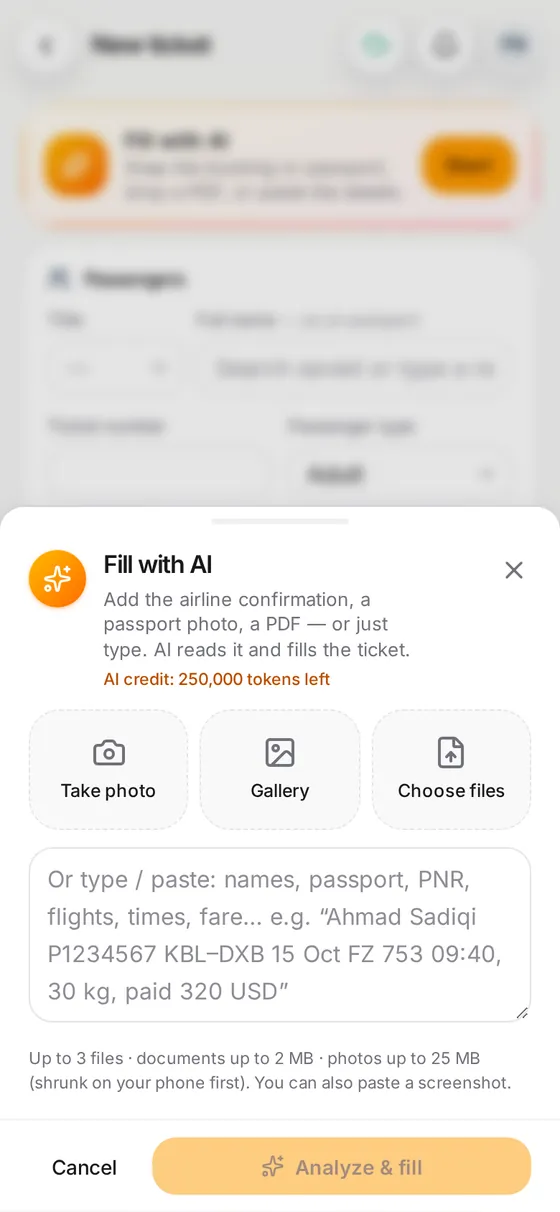
1. Add the booking
Paste text, or add a PDF or photo.
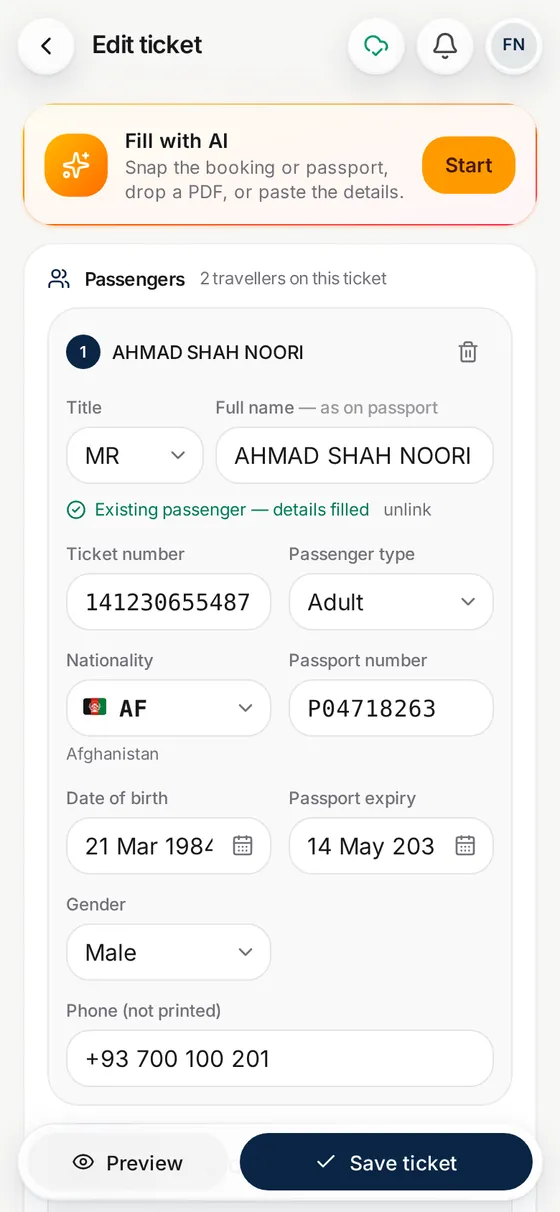
2. Check the segments
Flights, times and passengers are filled in.
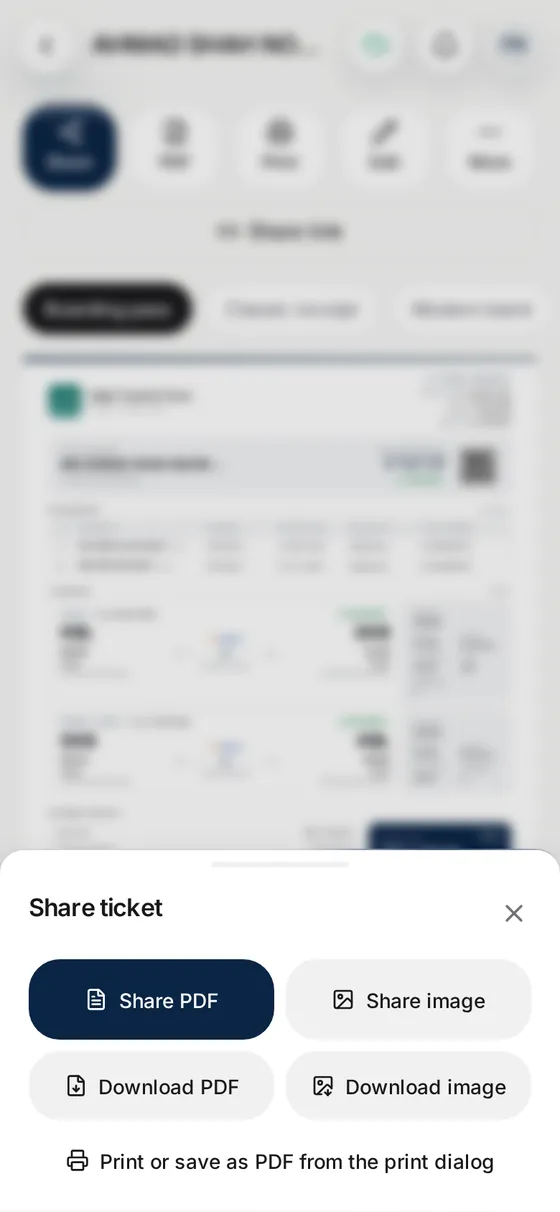
3. Share the itinerary
PDF, print or a link for the customer.
Questions
What goes on a flight itinerary?
Passenger names, each flight (number, route, date, times, class, baggage) and the booking references. Parvaz also shows ticket numbers and the fare when you want to print them.
Is it for real bookings?
Yes. Parvaz documents the bookings your agency actually makes. It is not a tool for made-up reservations.
Can I add several passengers and flights?
Yes, as many passengers and segments as the booking has.
Can the customer open it without an account?
Yes. Share a link; you choose how many days it works and can remove it any time.
Which languages?
The app speaks English, Dari and Pashto. Tickets print in English, as airlines expect.