Travel agency quotation format and maker
A good quotation wins the booking before the customer asks someone else. In Parvaz you write the lines once, send a link, the customer taps Accept, and you turn the quote into the invoice in one tap.
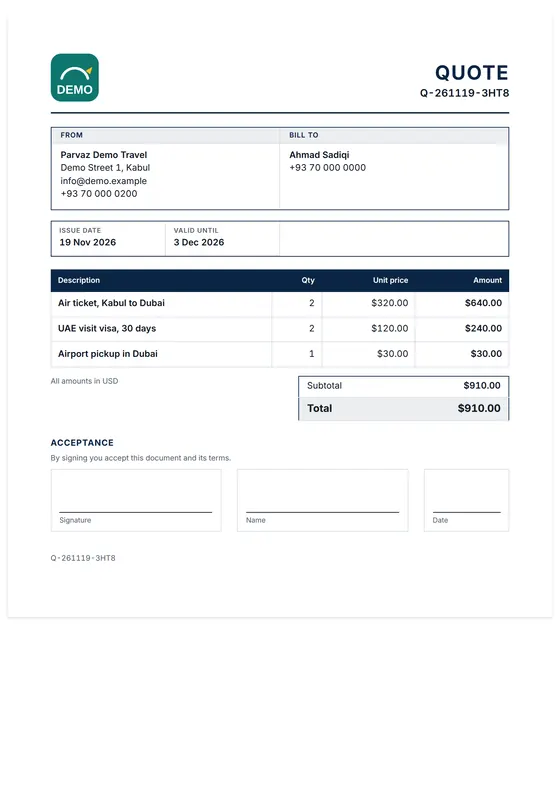
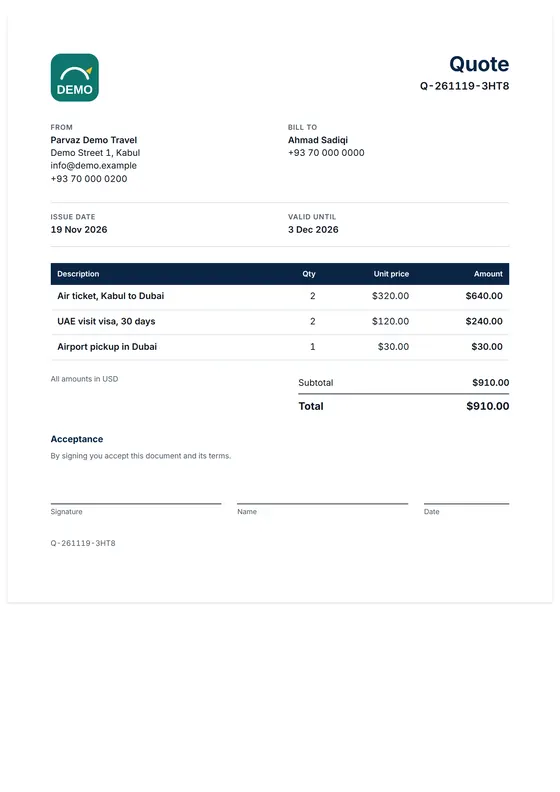
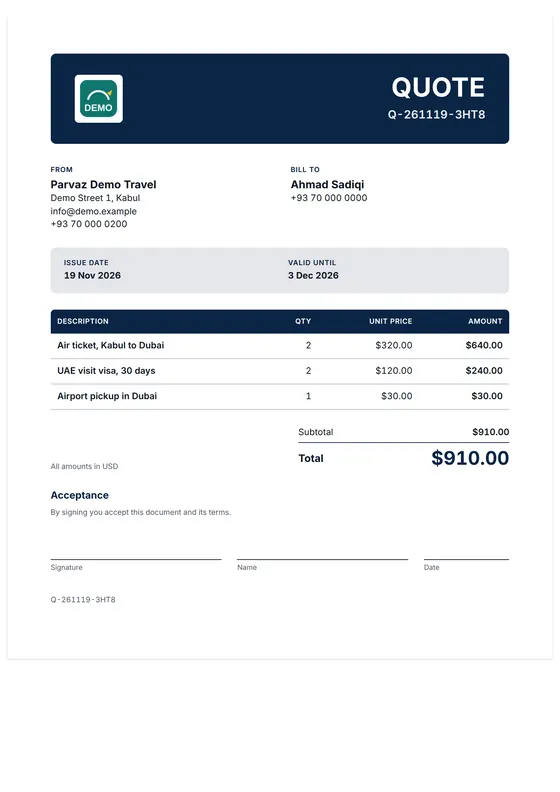
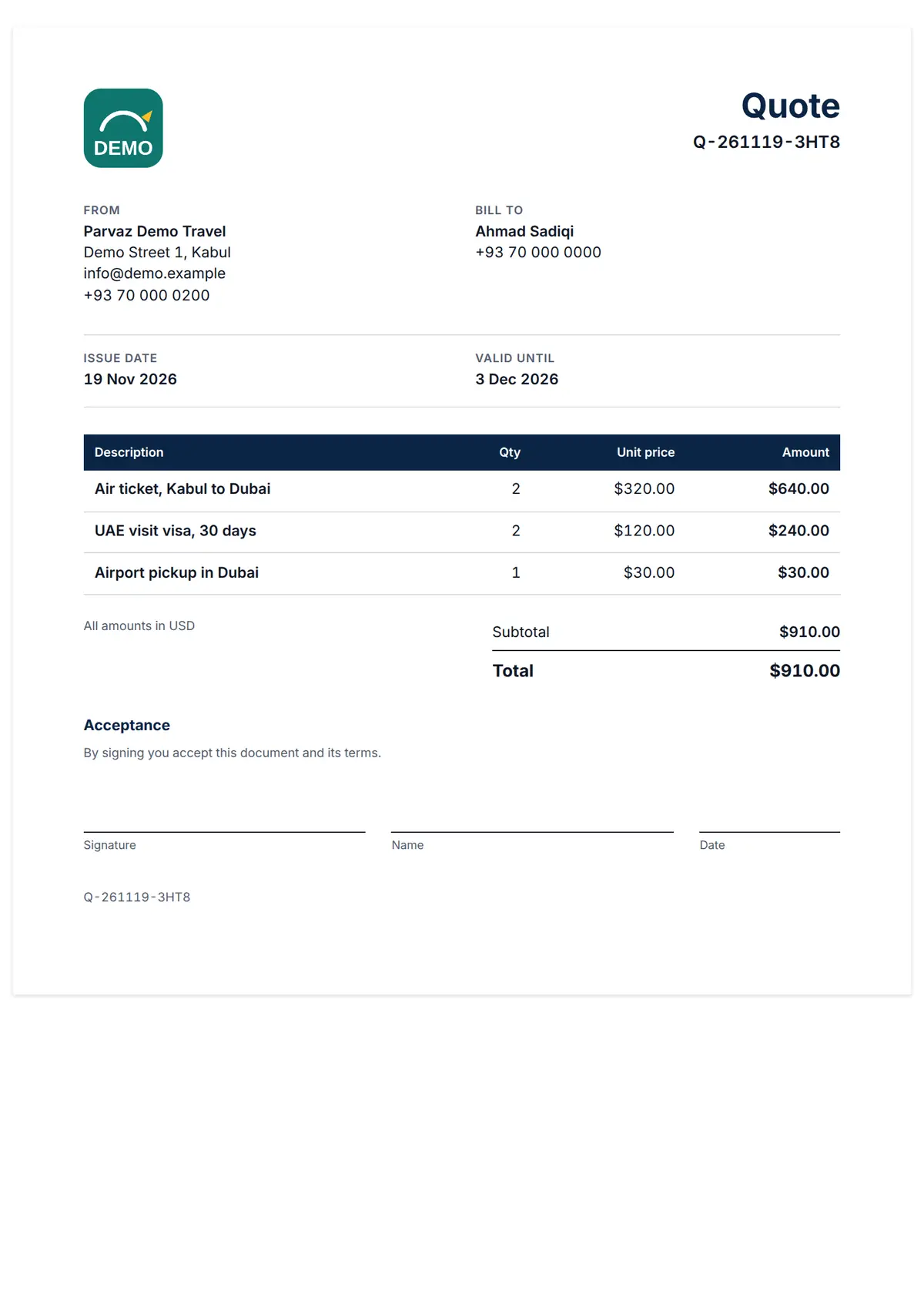
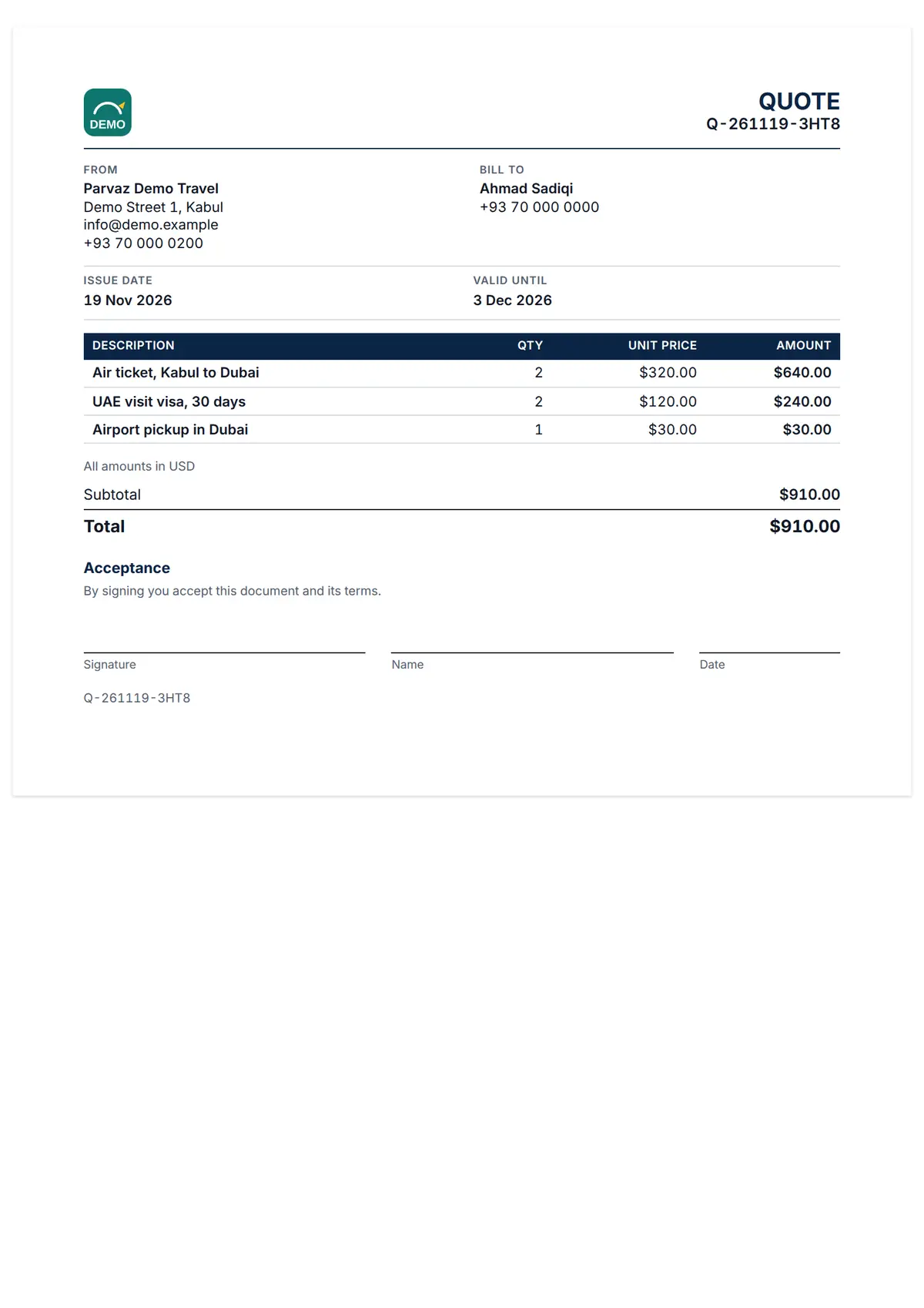
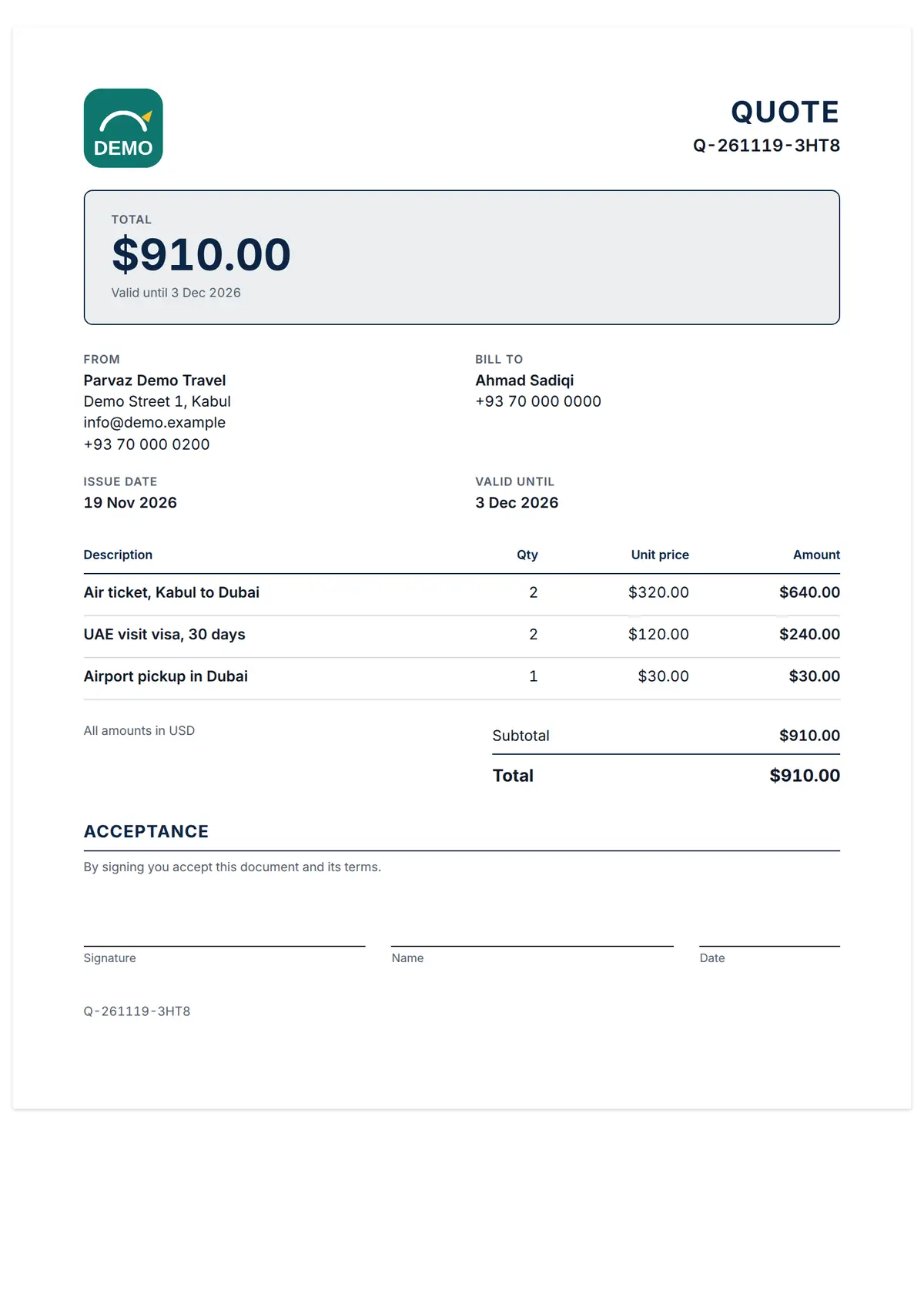
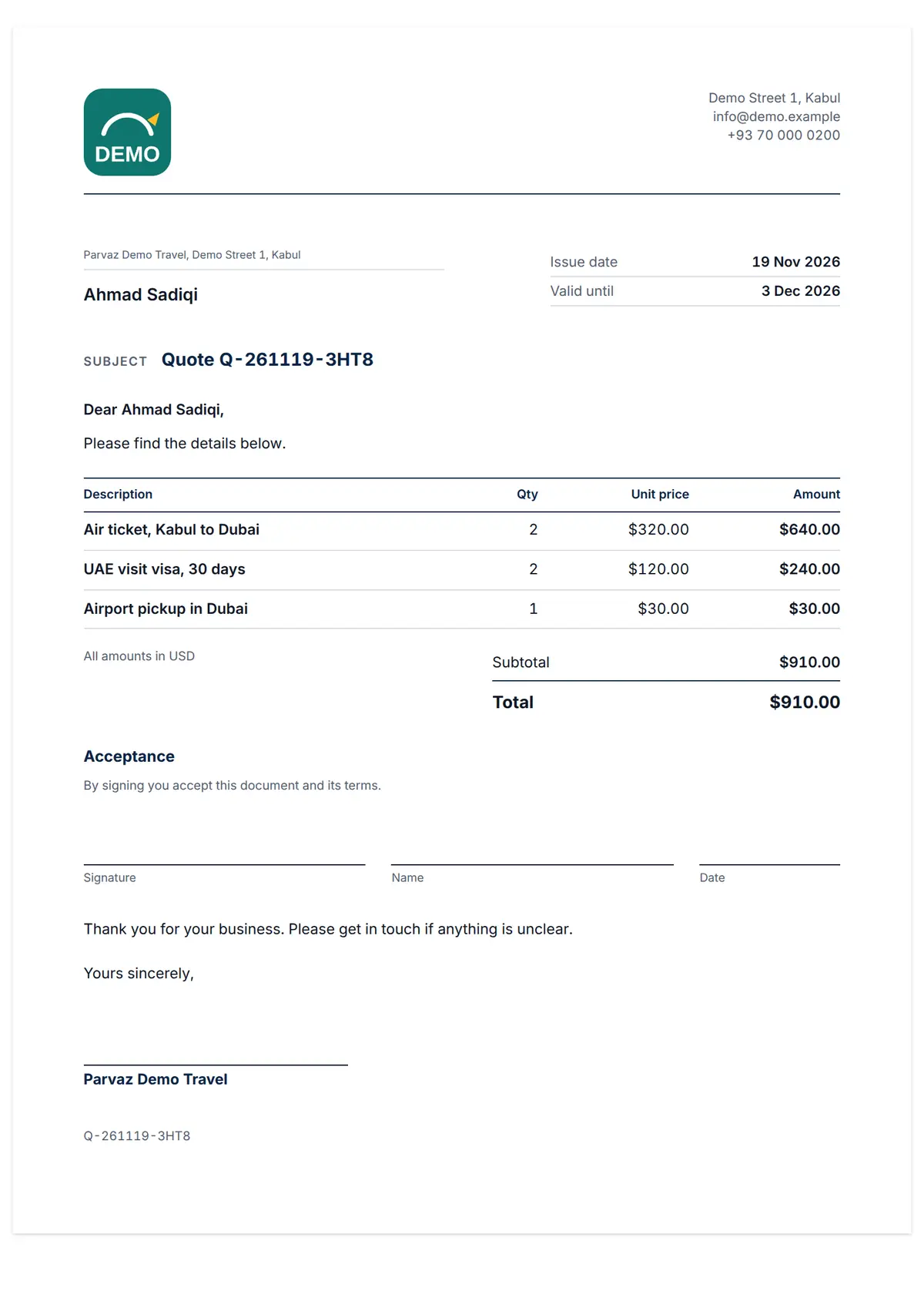
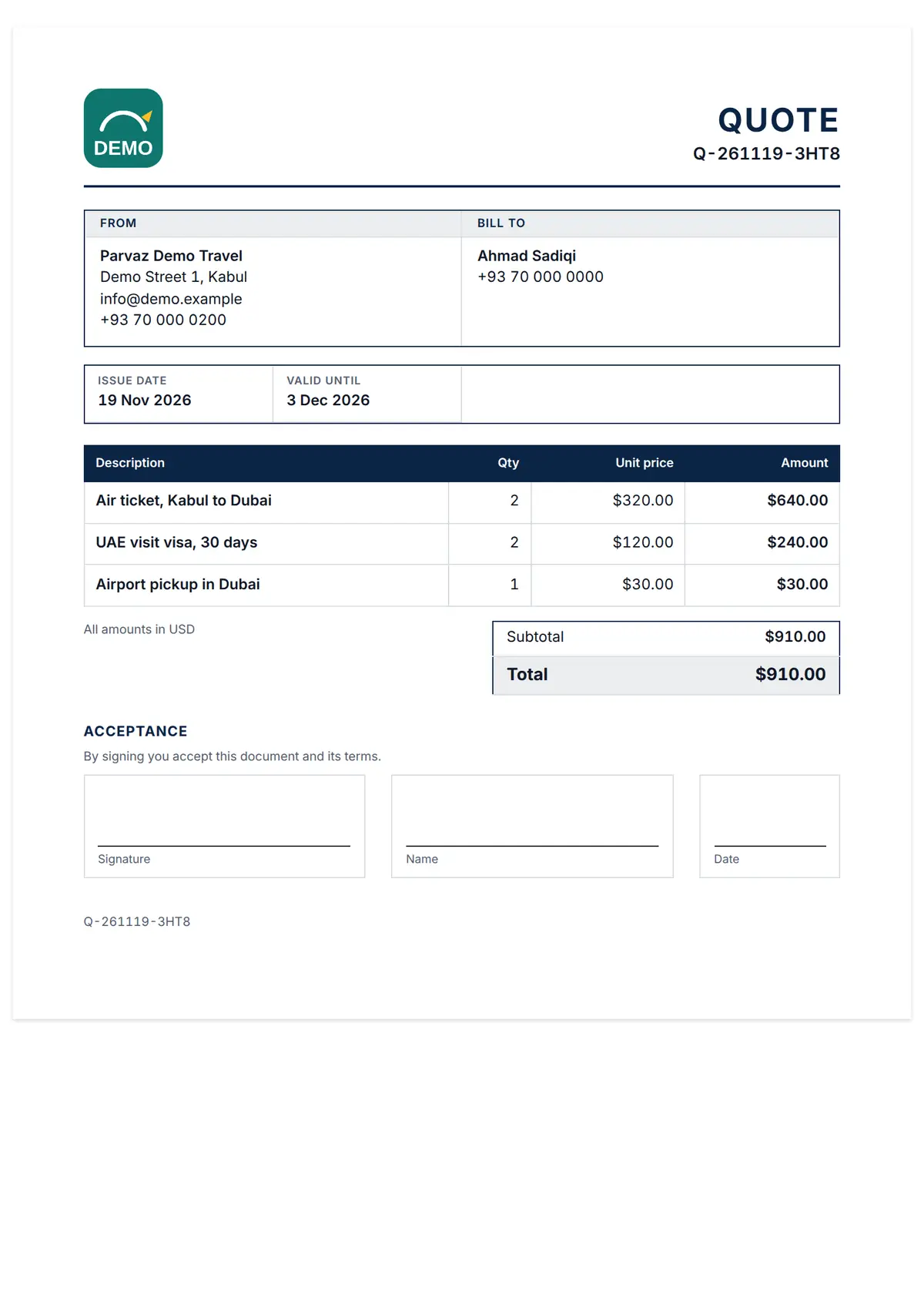
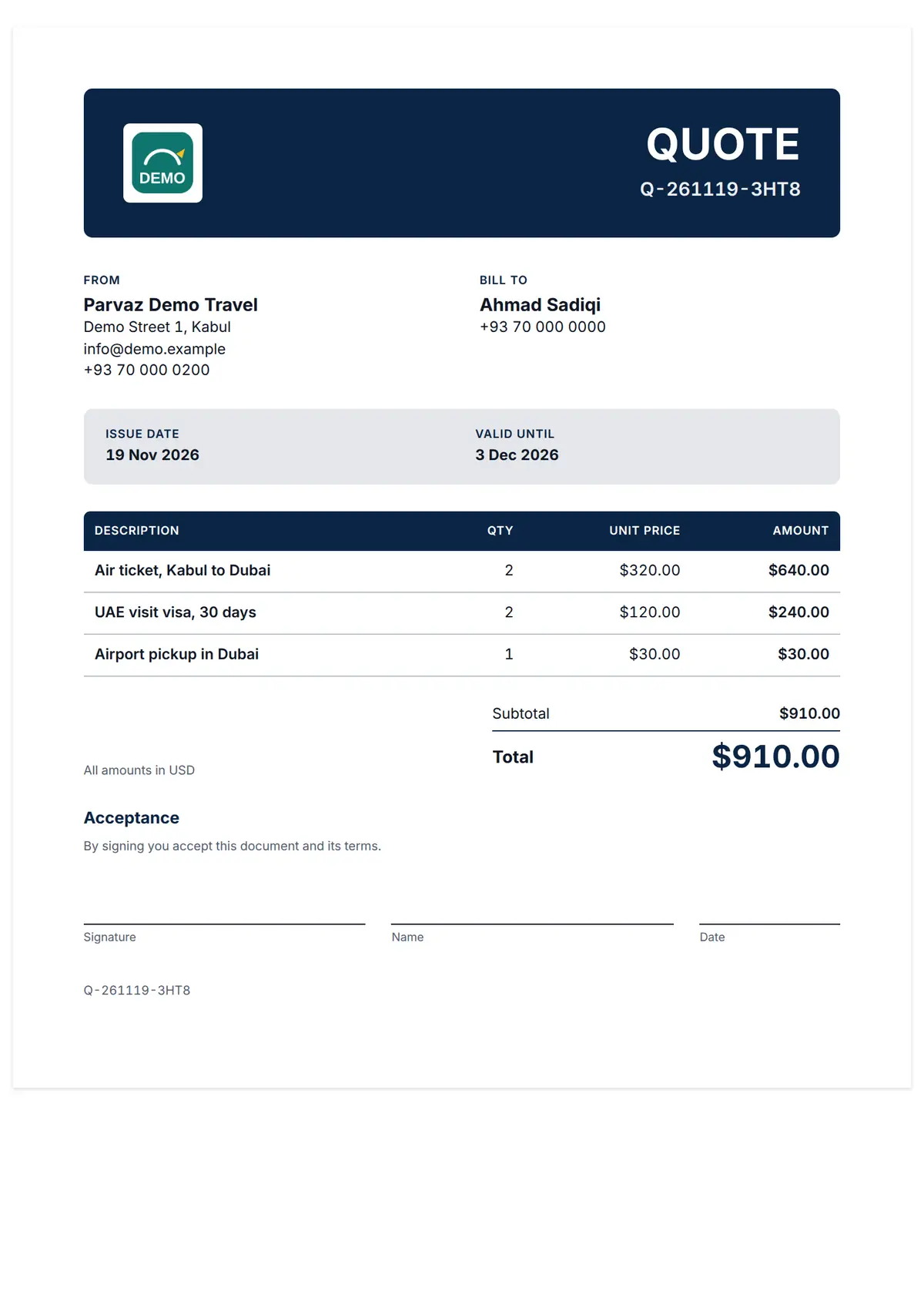
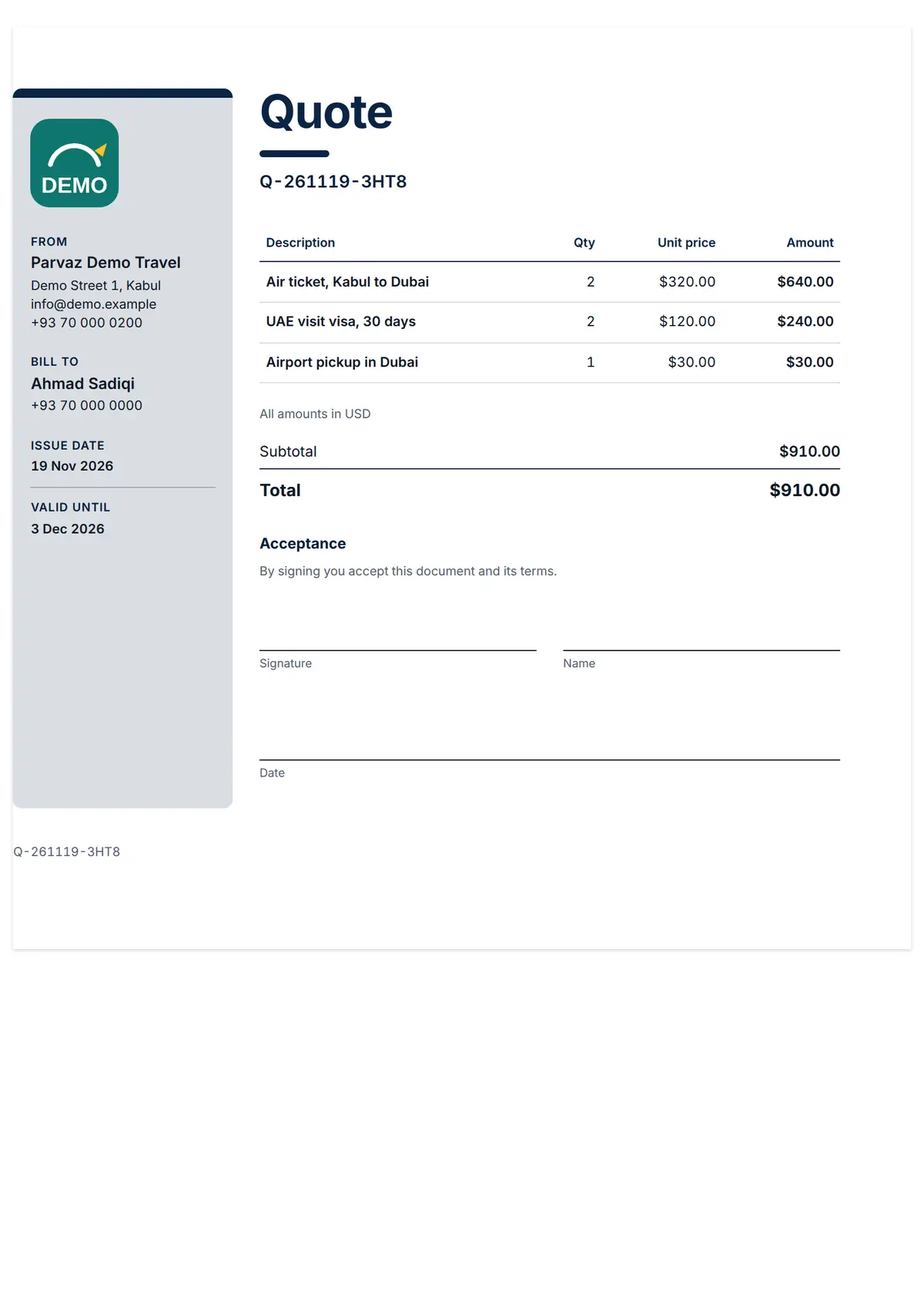
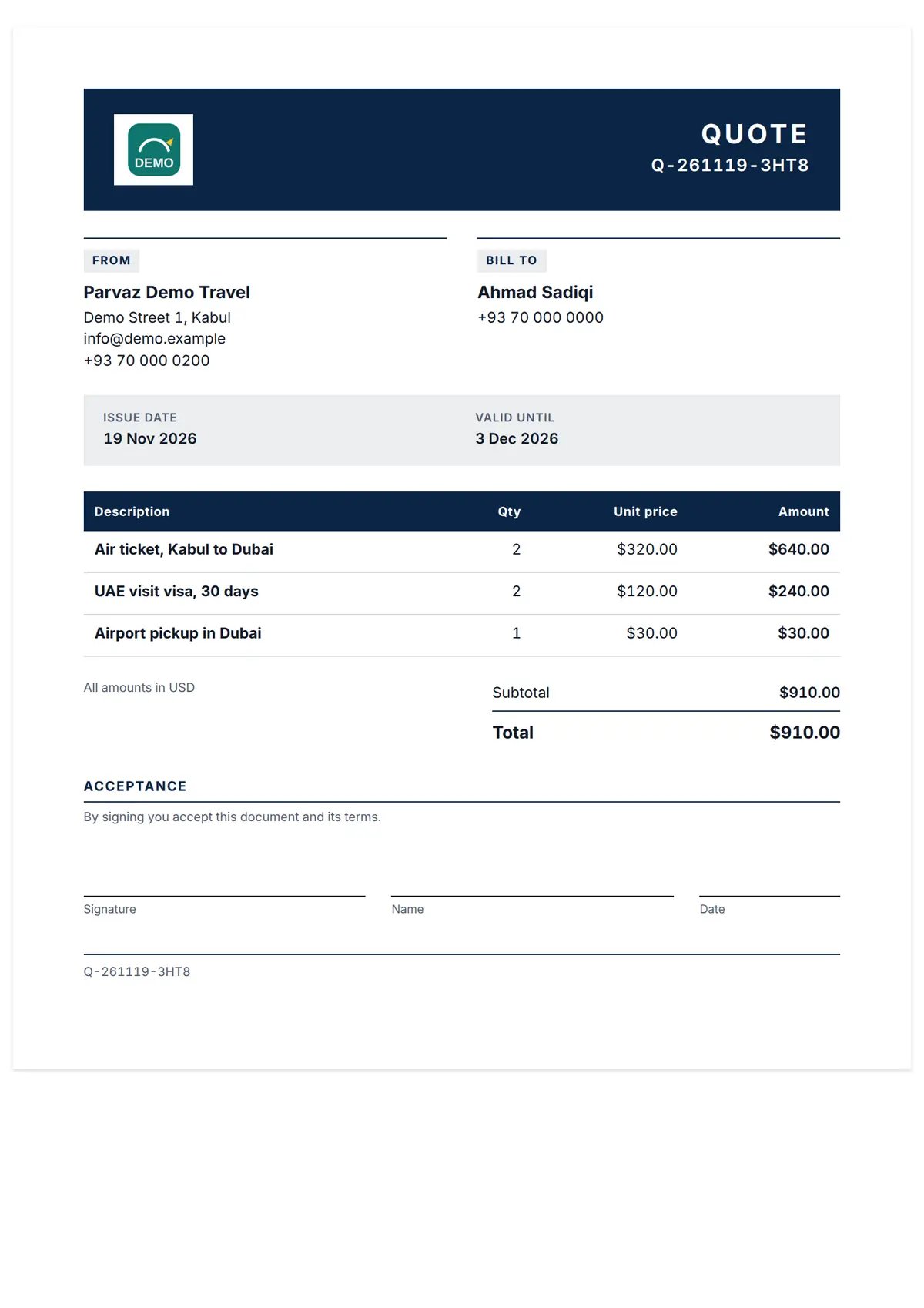
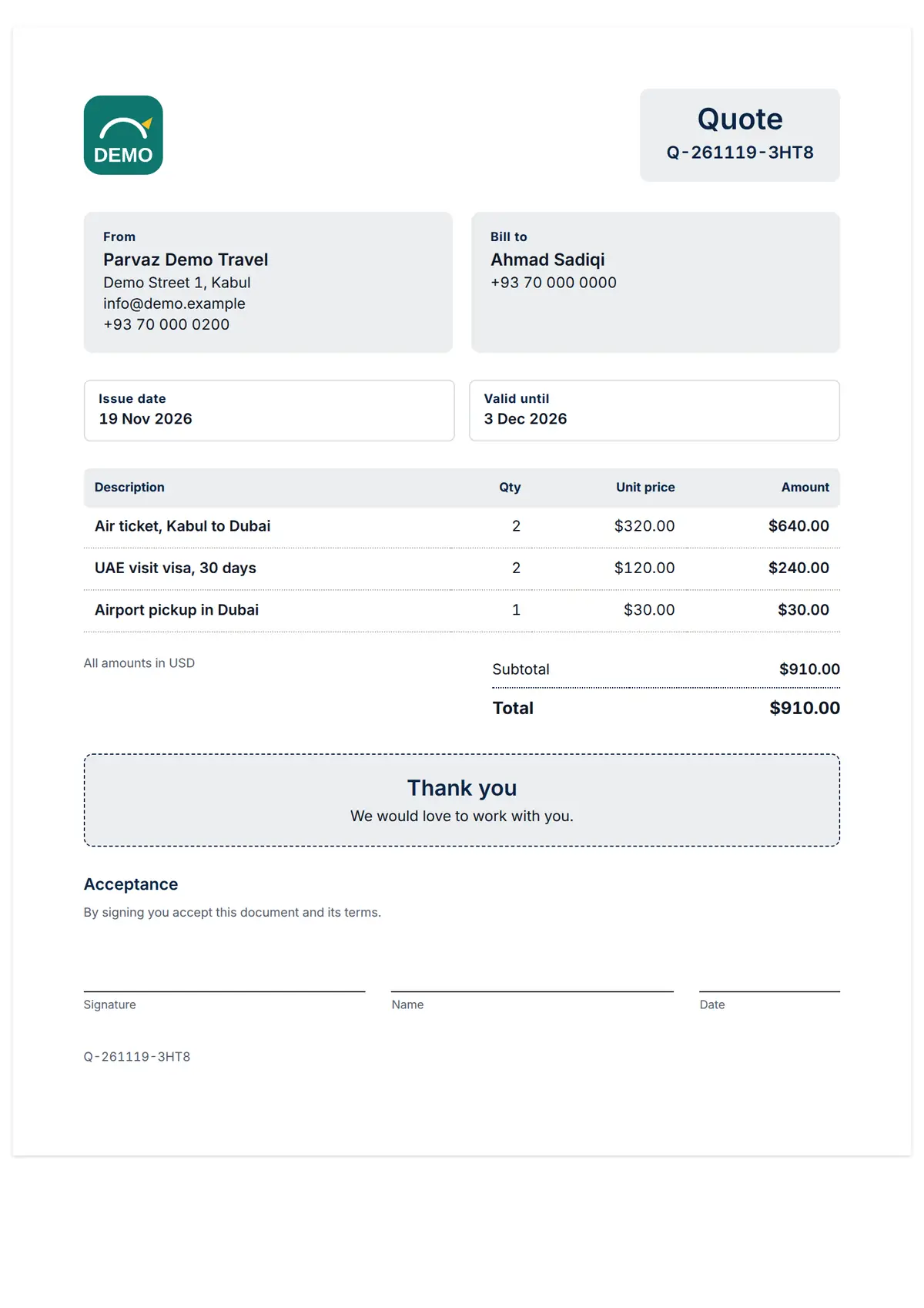
17 quotation designs, ready to use
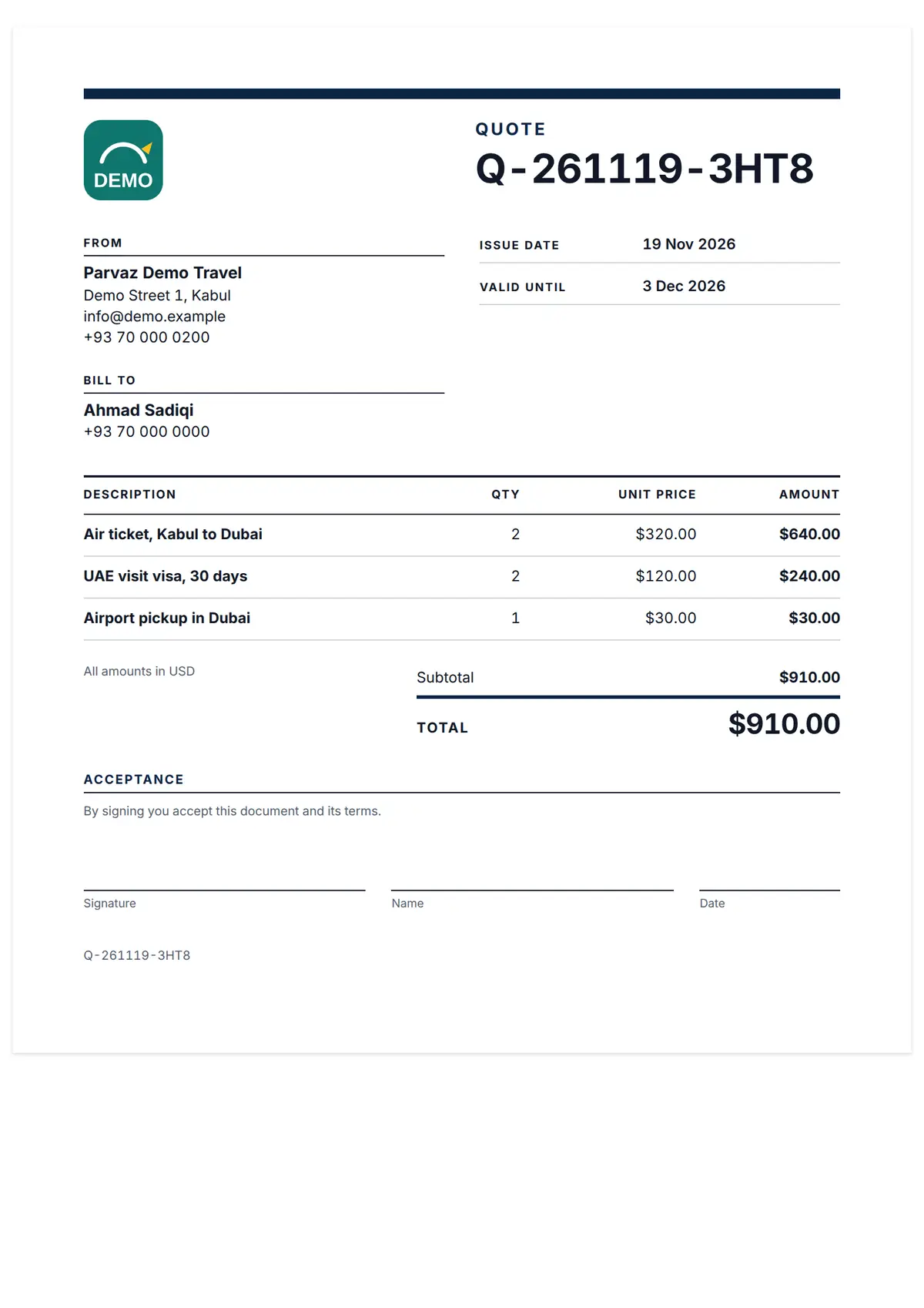
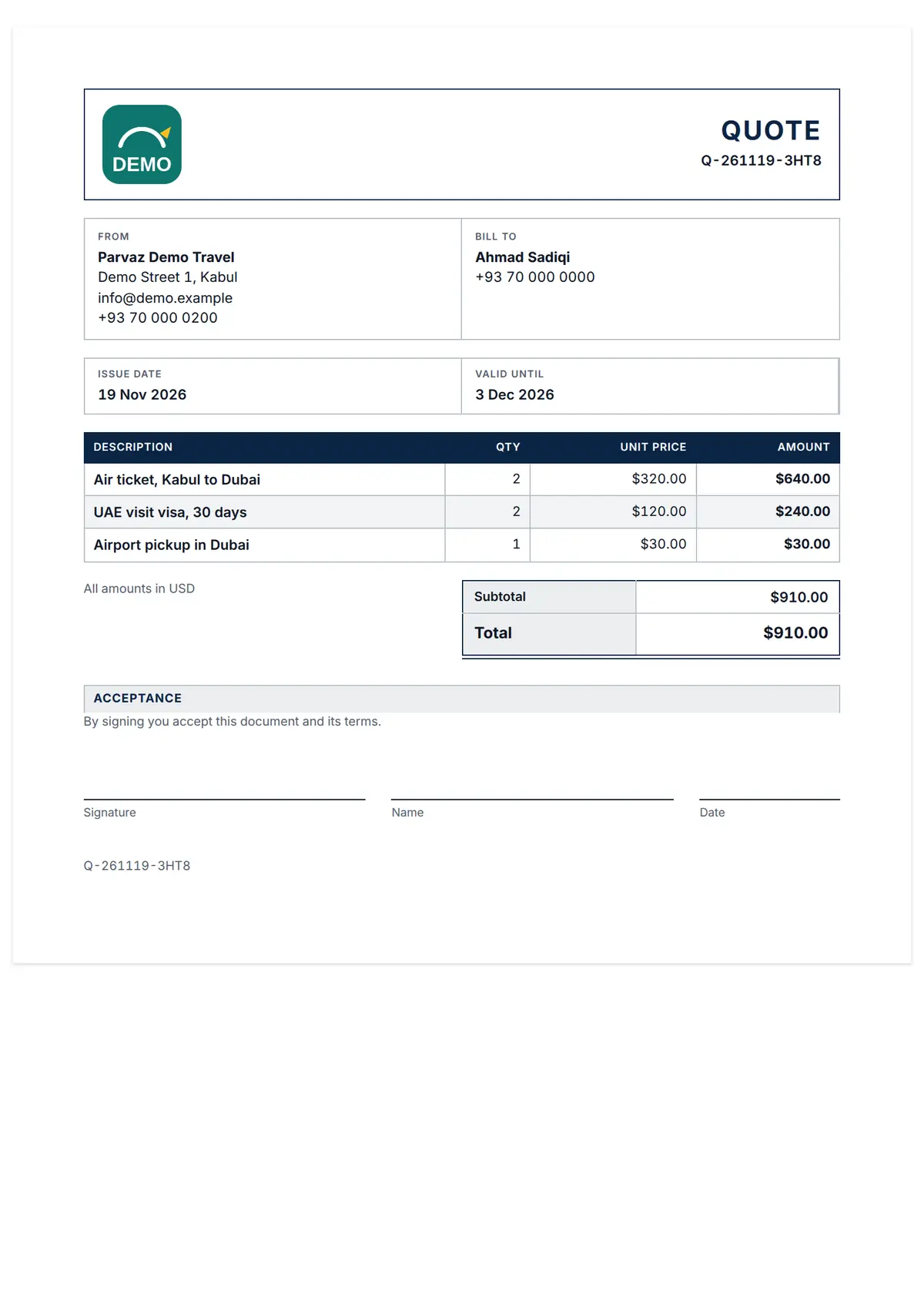
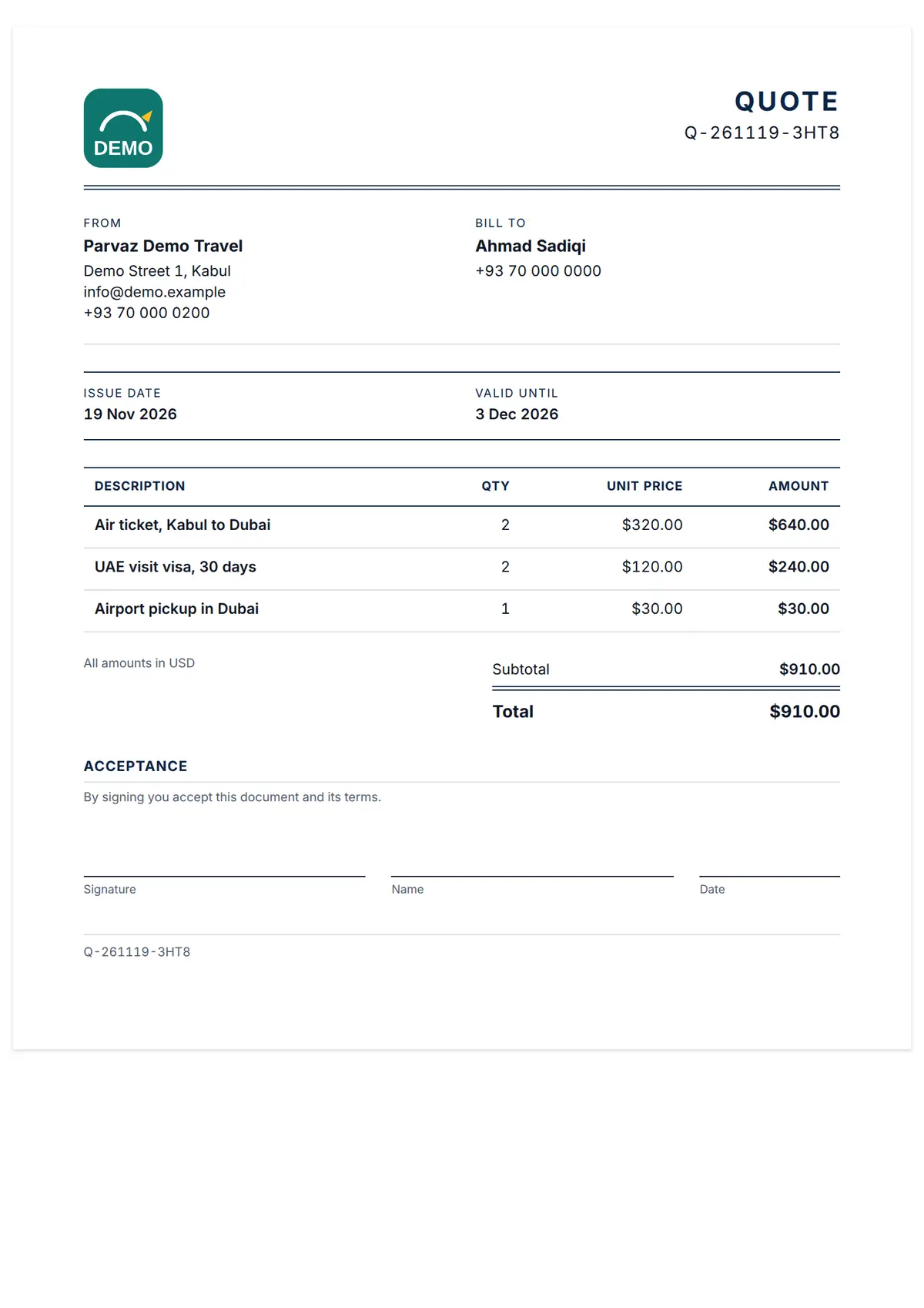
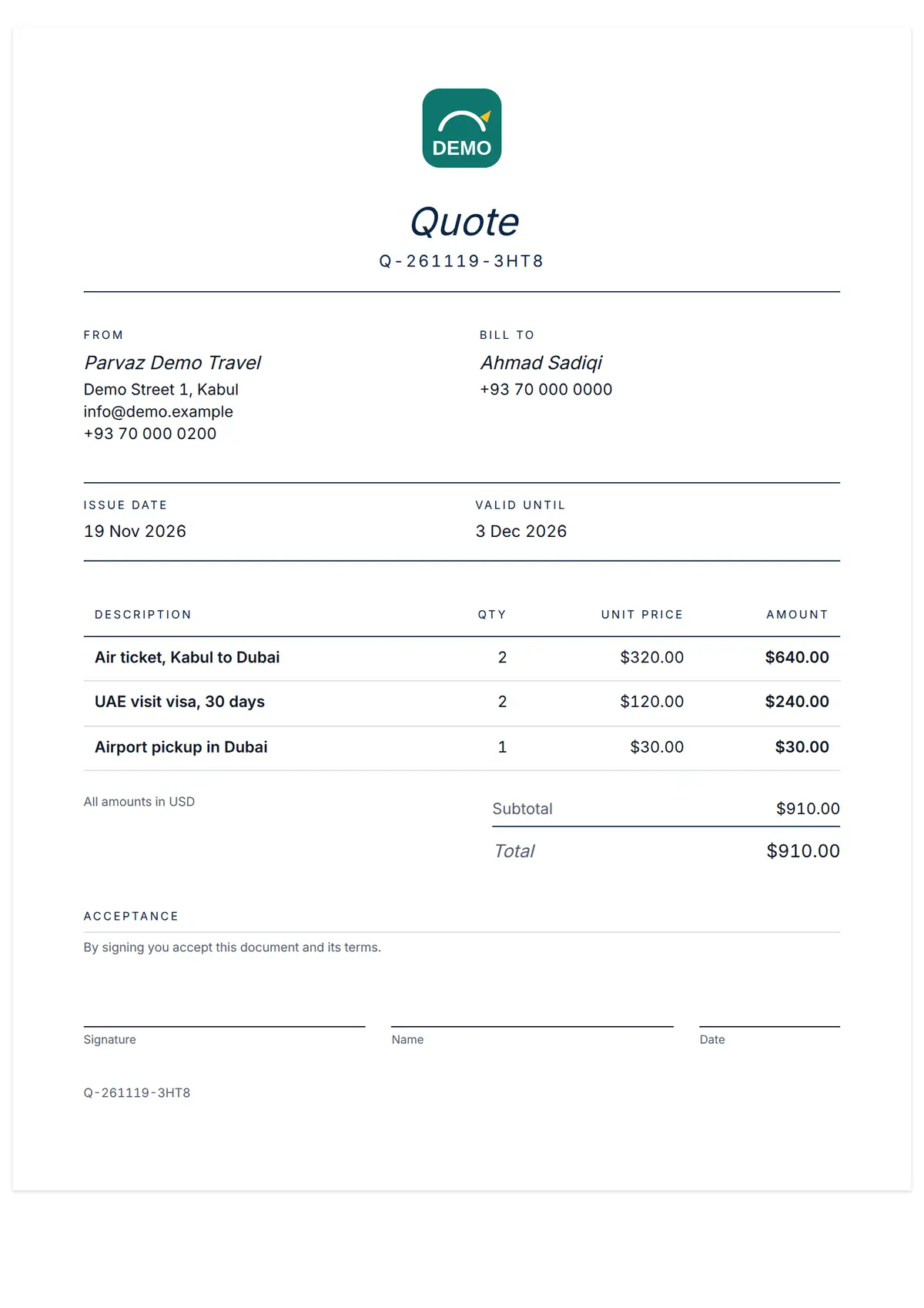
Real documents from Parvaz with a sample booking to Dubai: the passengers, ticket numbers, flights and payments are on them. Pick a design, add your logo, stamp and signature, and every document uses it. Tap a design to see the full page.
Clean 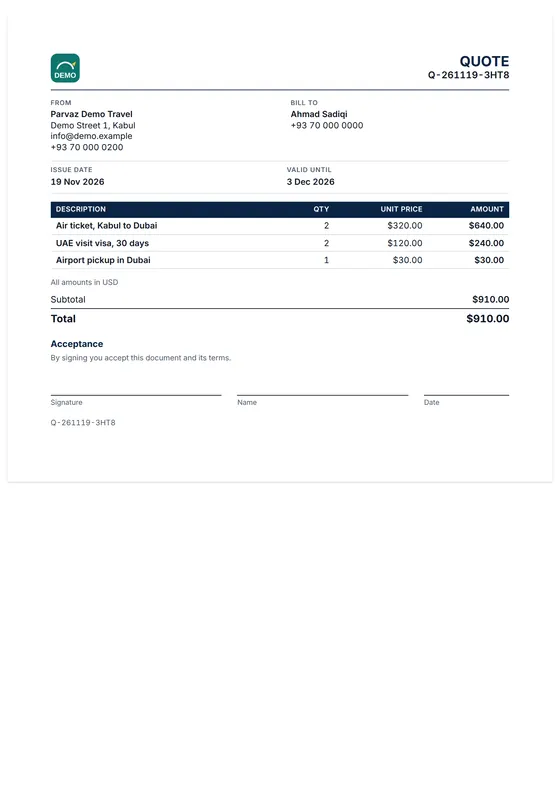
Compact 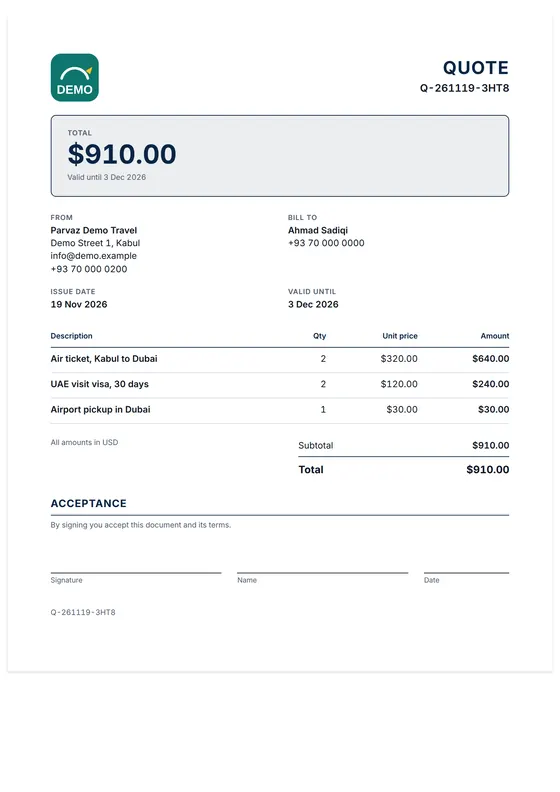
Statement 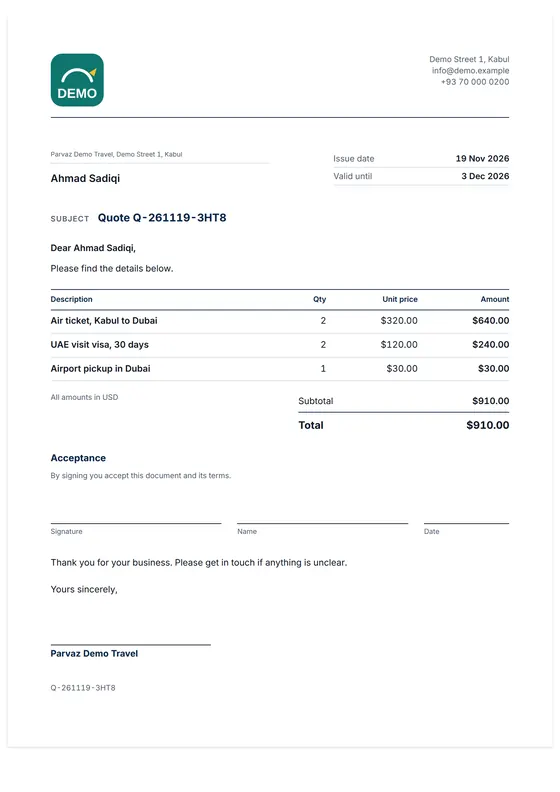
Letterhead Corporate Bold 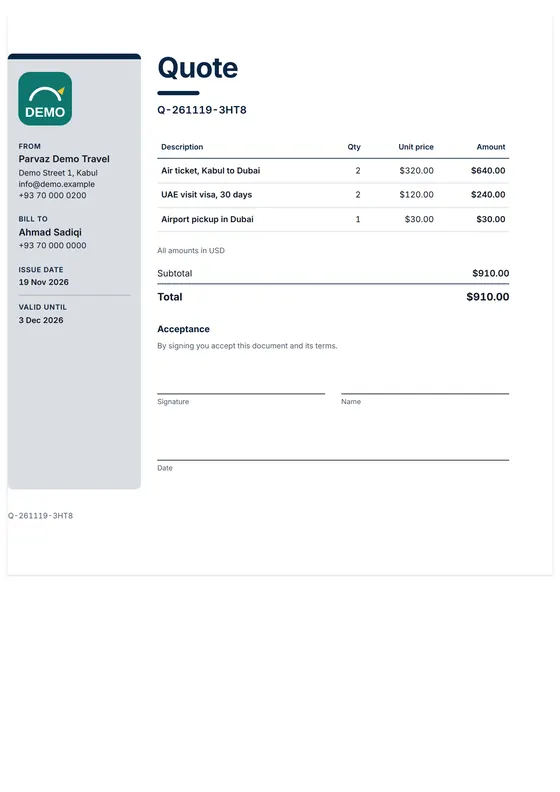
Studio 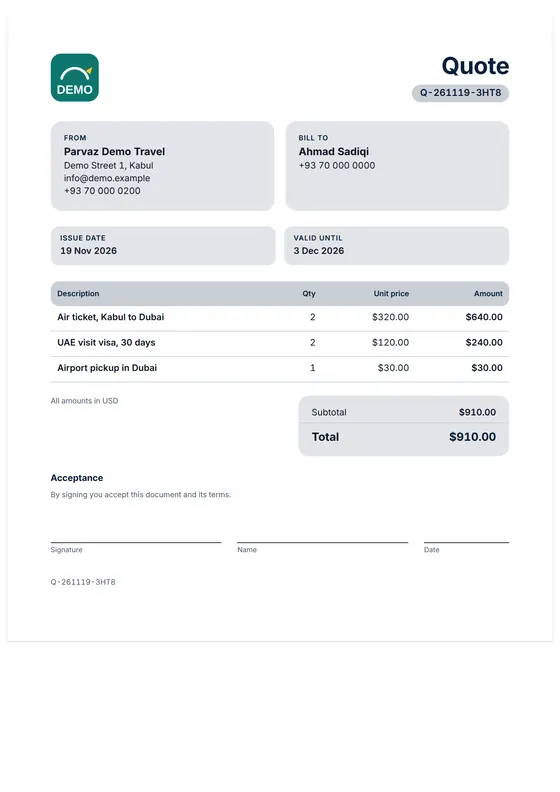
Fresh 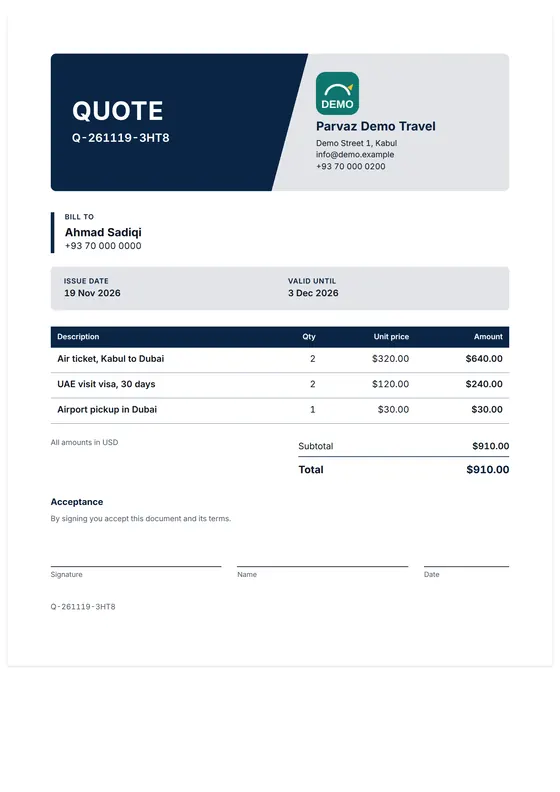
Split 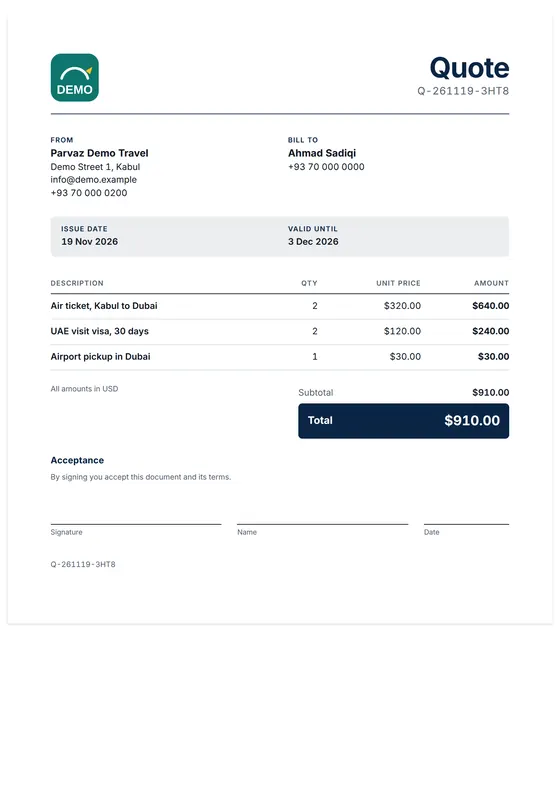
Modern 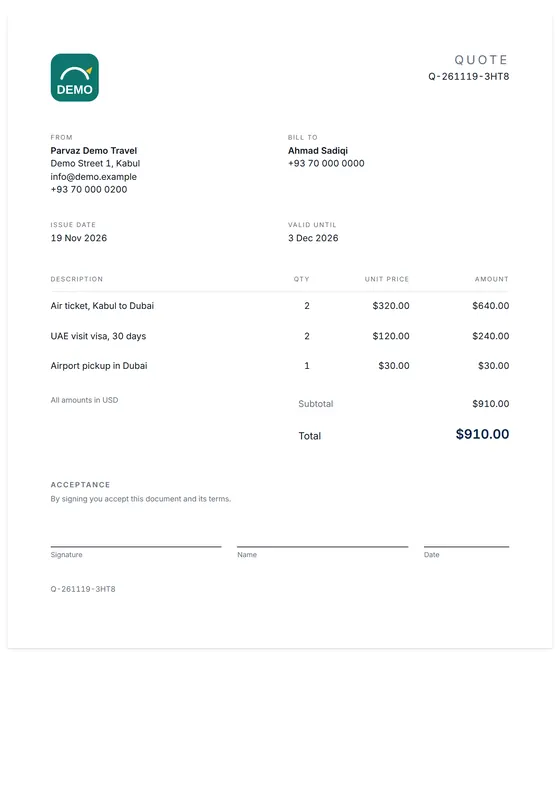
Minimal 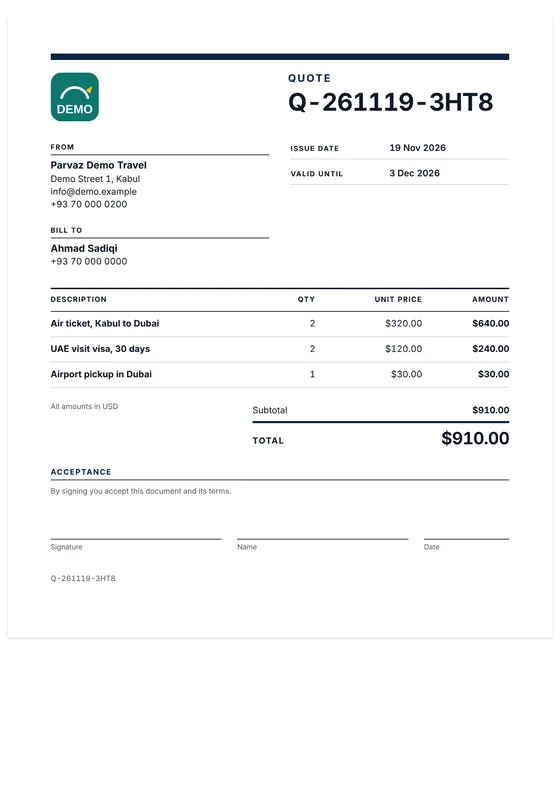
Swiss 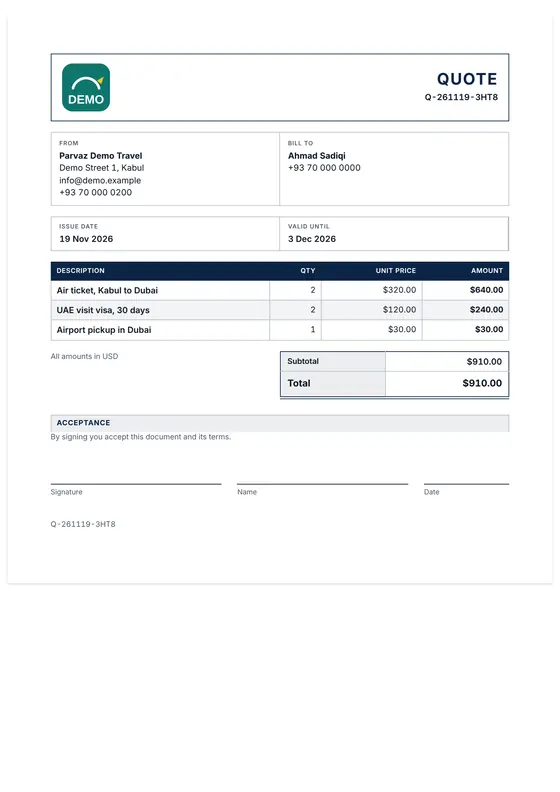
Ledger 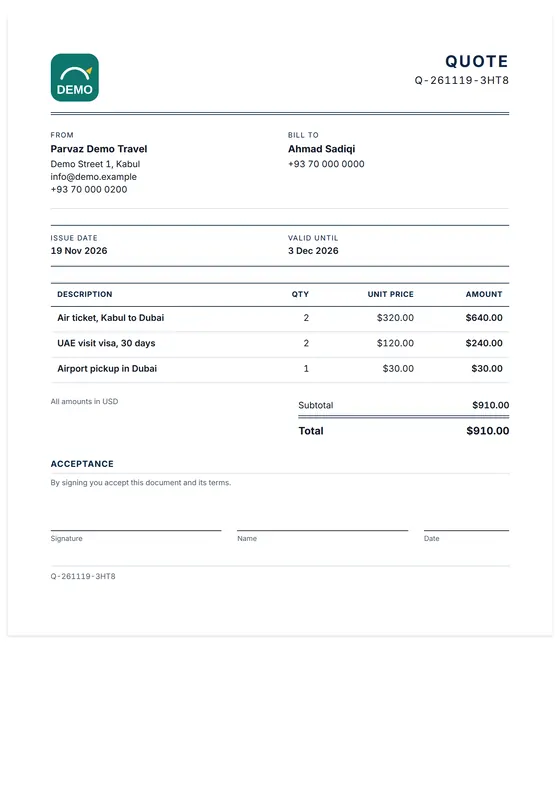
Classic 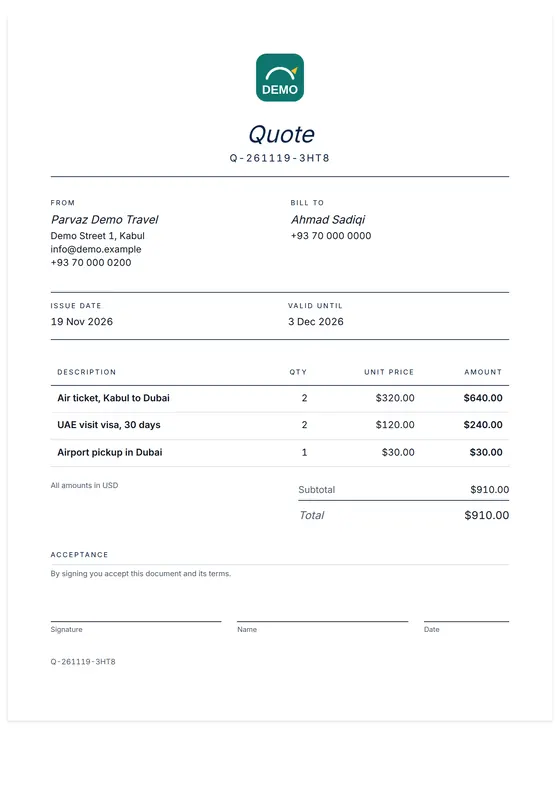
Elegant 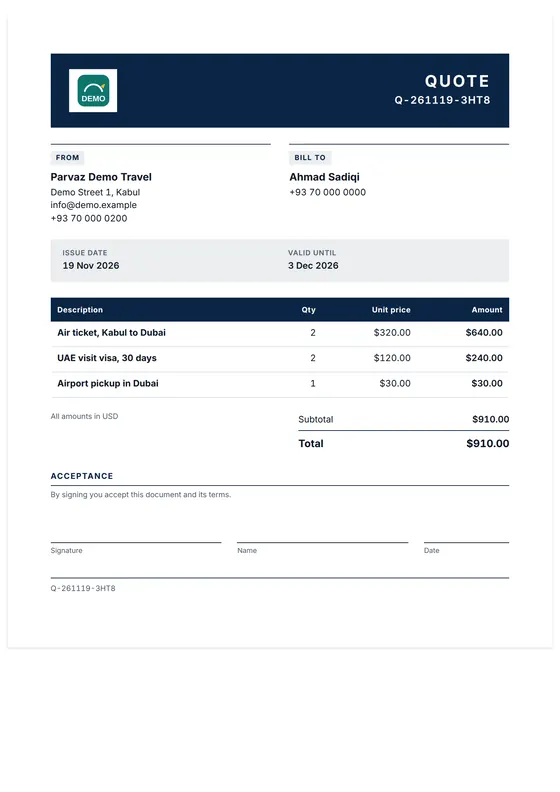
Executive 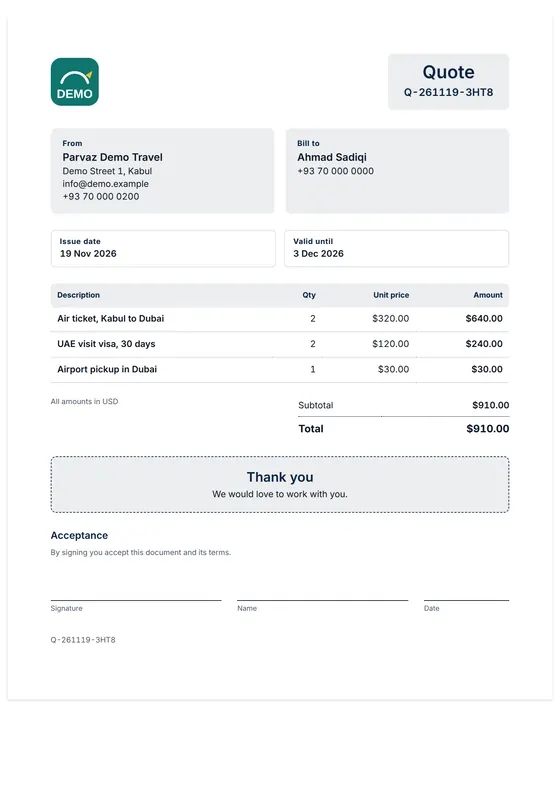
Boutique
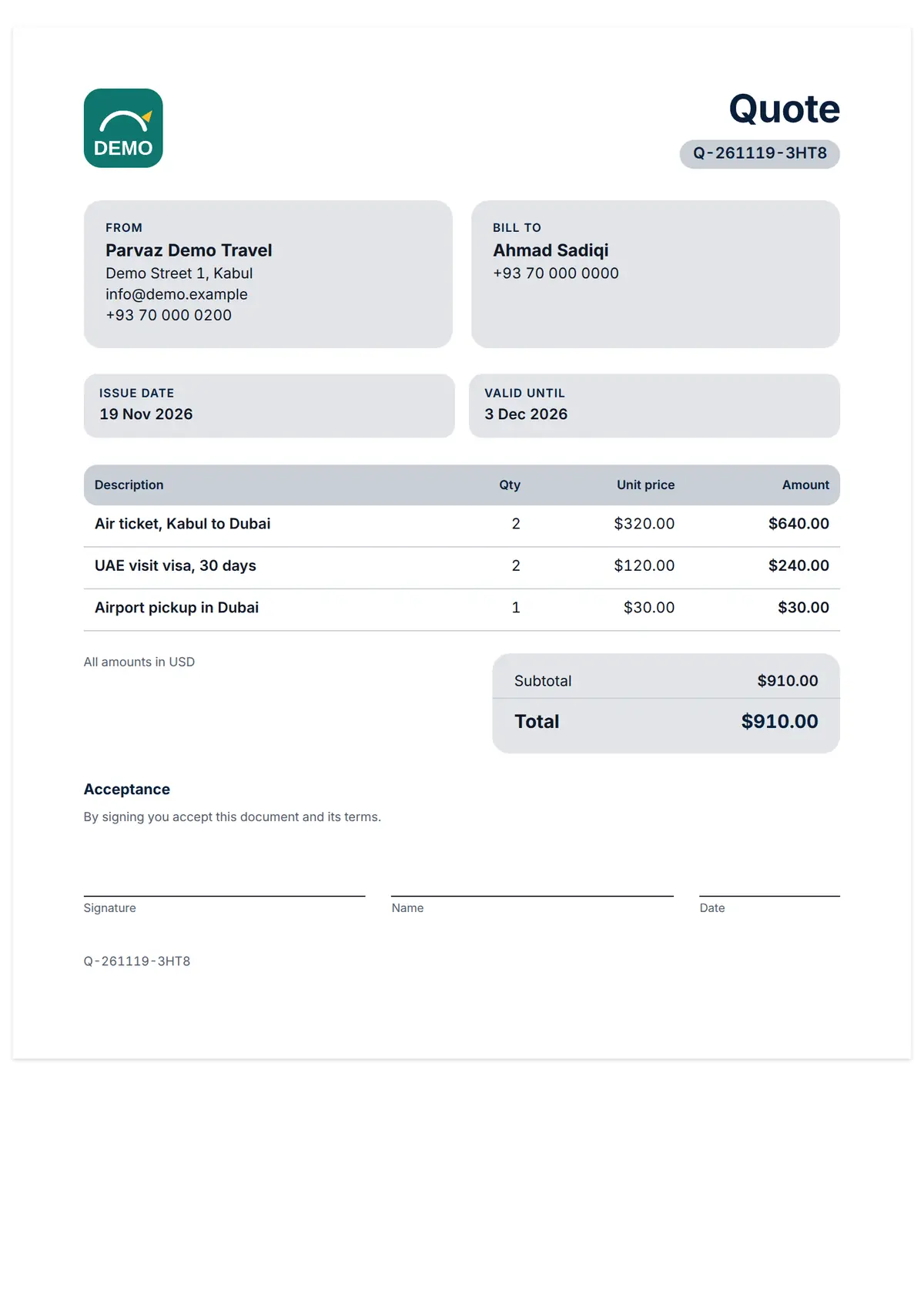
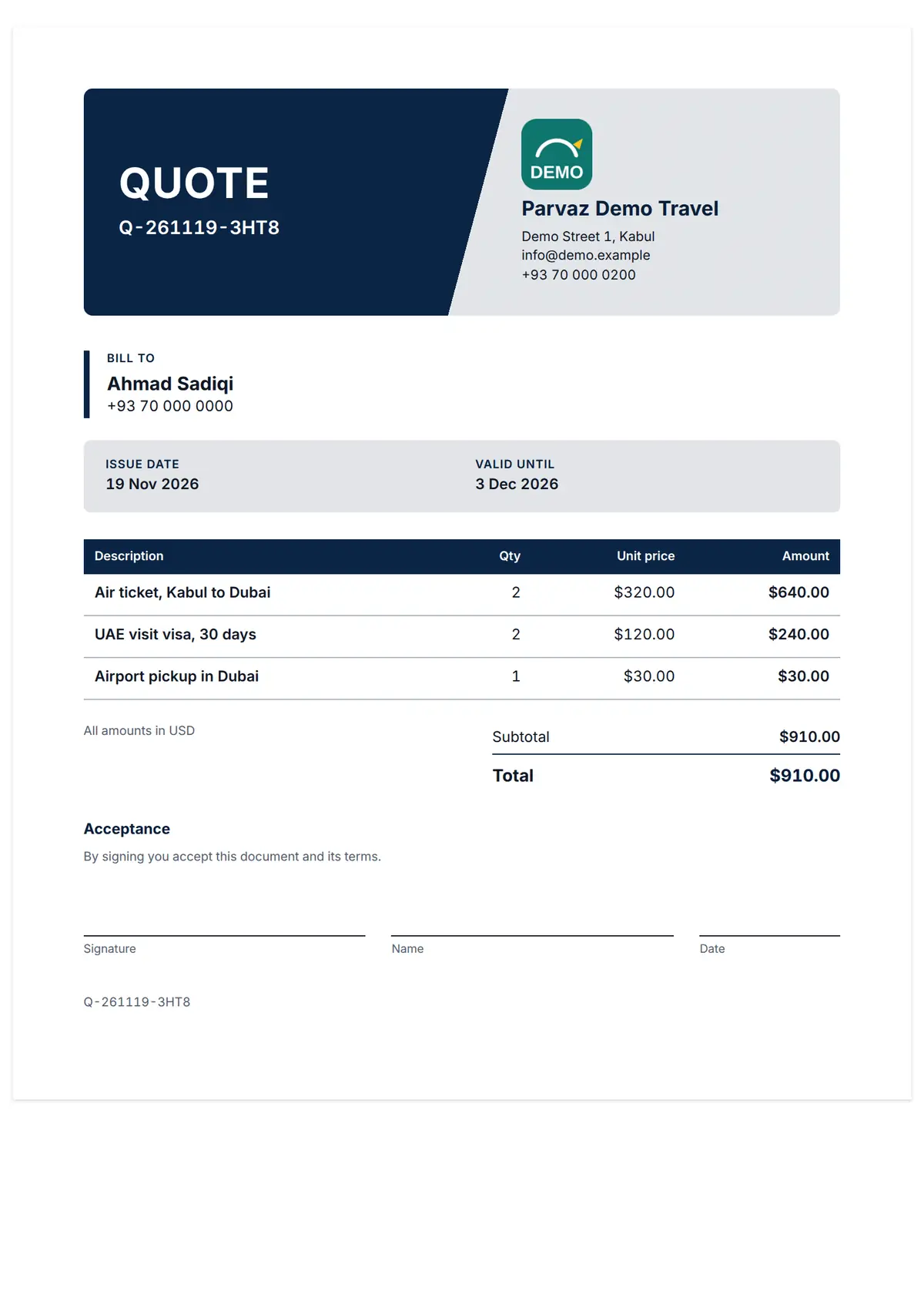
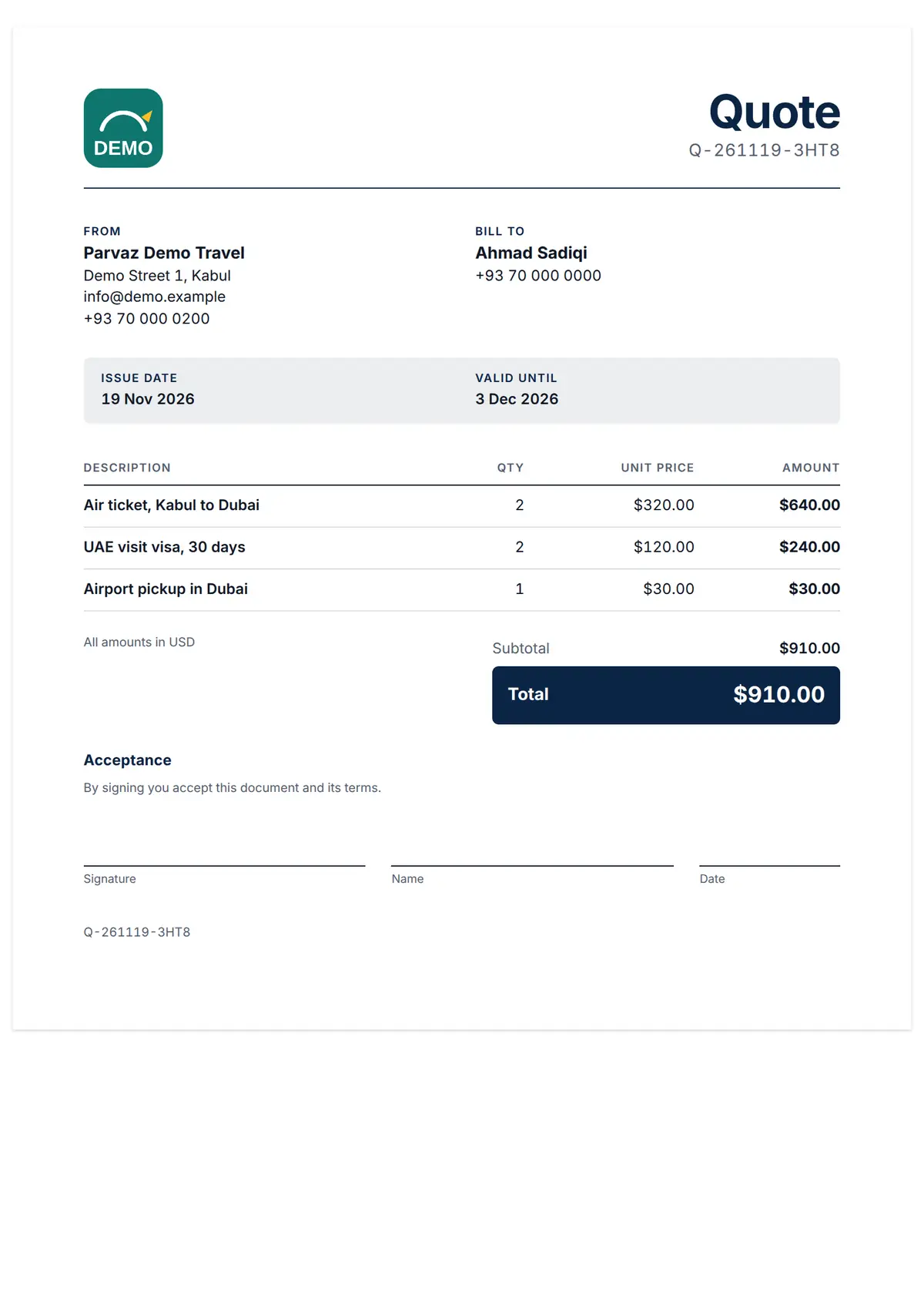
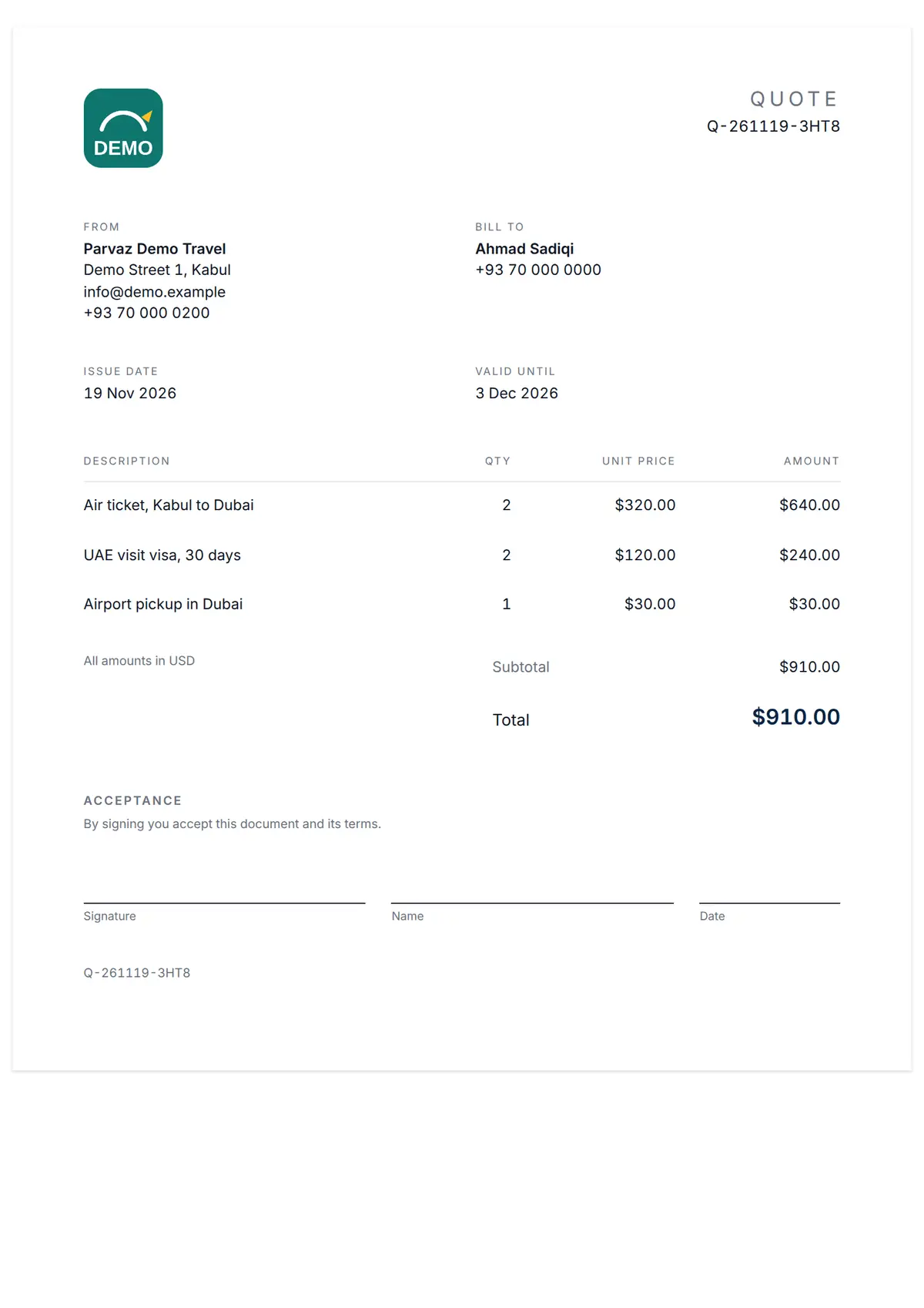
What you get
Write it once
A quote has the same lines as a sale: what you sell, how many, the price, a discount and the currency. Add a valid-until date and your terms, and they print on it.
From a ticket or an old invoice
Start a quote from a ticket's price lines, or copy an invoice as a quote. No retyping.
AI from a WhatsApp message
Paste the customer's message, or add a photo or a PDF, and tap Fill with AI. It writes the draft quote; you check it and save. It uses AI credit.
The customer taps Accept
Send a link that opens the quote with no account. The customer types their name and taps Accept or Decline. Your team is told, and the quote shows who accepted.
Quote to invoice in one tap
When it is accepted, tap Make the invoice. The same lines become a sale, with passengers and ticket details added from your ticket. See the invoice maker.
It does not touch your books
A quote changes no balance and no report until it becomes an invoice. Draft, sent, accepted or declined: you always see where it stands, and an old one shows as expired.
Your design, your name
Quotes use the same 17 designs, logo, stamp and signature as your invoices, with no Parvaz mark. Download a PDF or a picture, print it, or send it on WhatsApp.
See Parvaz in two minutes
One short film of the whole system, in twelve chapters. Start at the part you need.
Watch at 1:40Try it in the demo
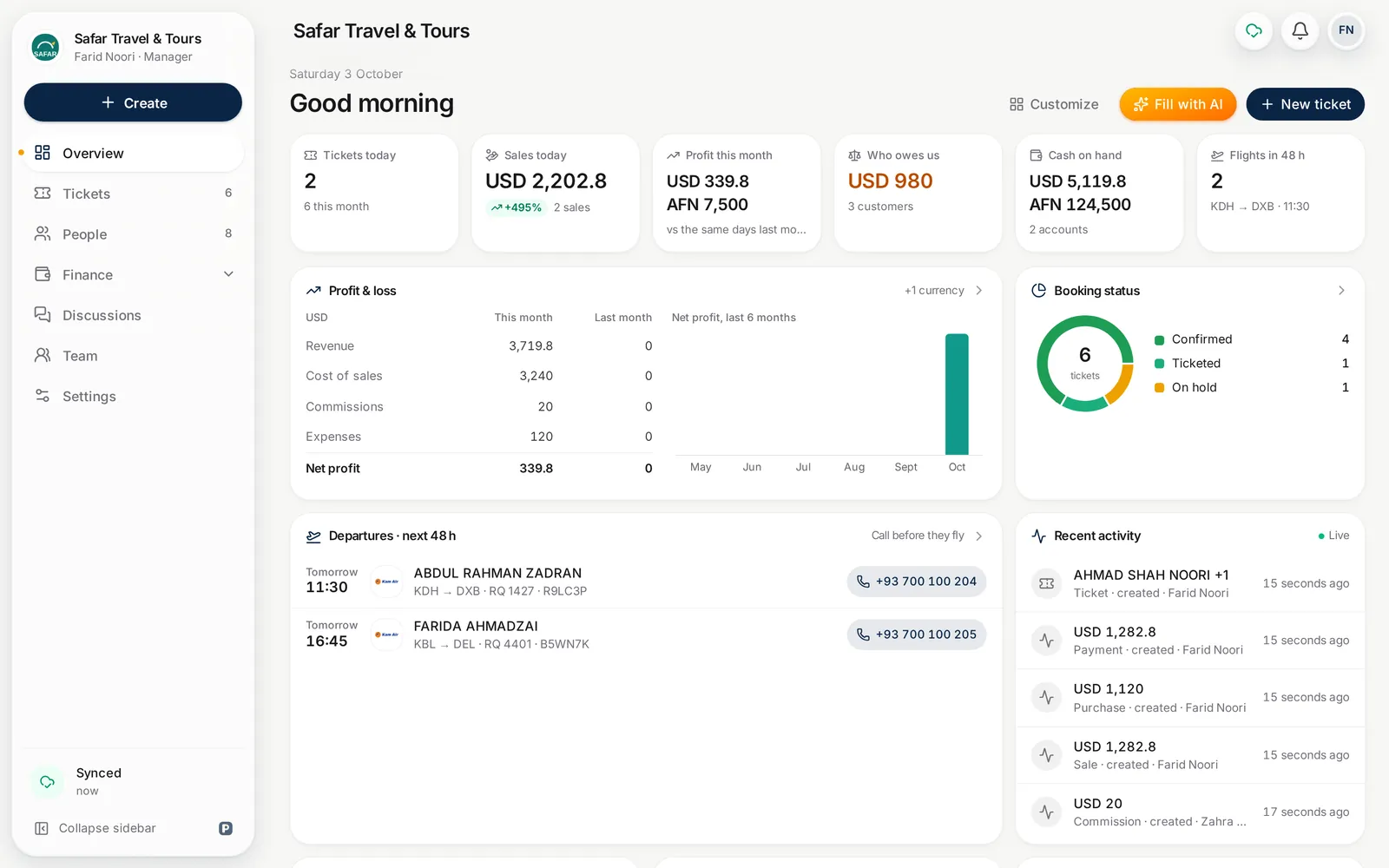
Narrated in English, with captions in your language.
Example: a quotation for an Umrah package
| Agency | Your agency name, address, phone, logo, stamp and signature |
|---|---|
| Quotation number and date | Q-261115-0001, 15 November 2026 |
| Valid until | 29 November 2026 |
| Customer | Ahmad Rahimi, +93 7xx xxx xxx |
| Lines | Umrah package, 14 nights, 2 adults, 2 x 1,450 USD; visa service 2 x 120 USD |
| Total | 3,140 USD |
| Terms | Prices valid for 14 days. A 30% deposit confirms the booking. |
| Accept | The customer opens the link, types their name and taps Accept |
How it works
Real screens from the app, step by step.
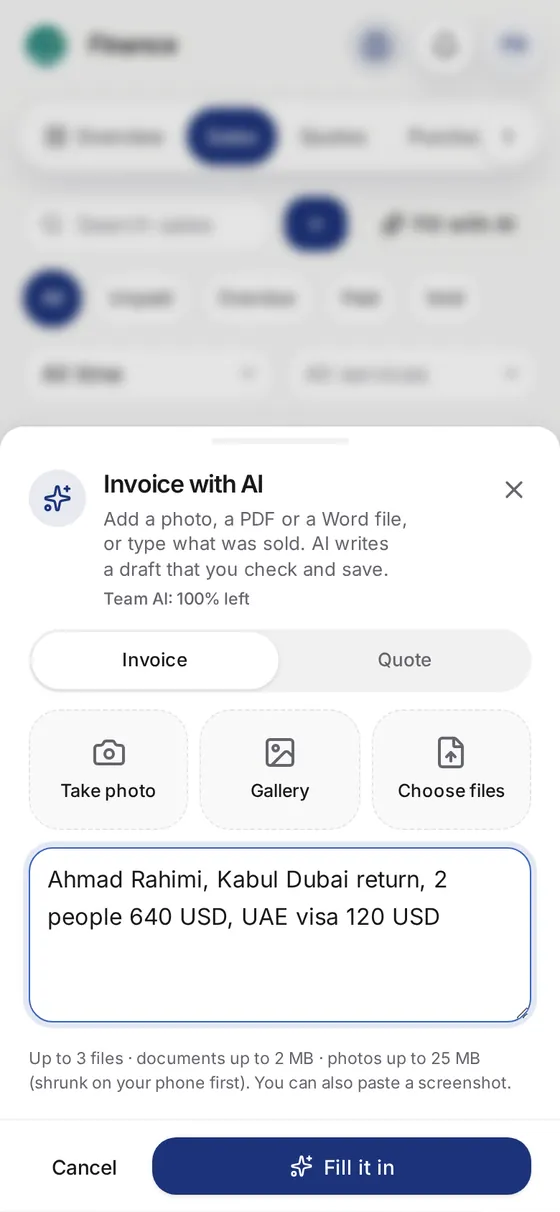
1. Write or fill the quote
Type the lines, start from a ticket, or paste a WhatsApp message and tap Fill with AI.
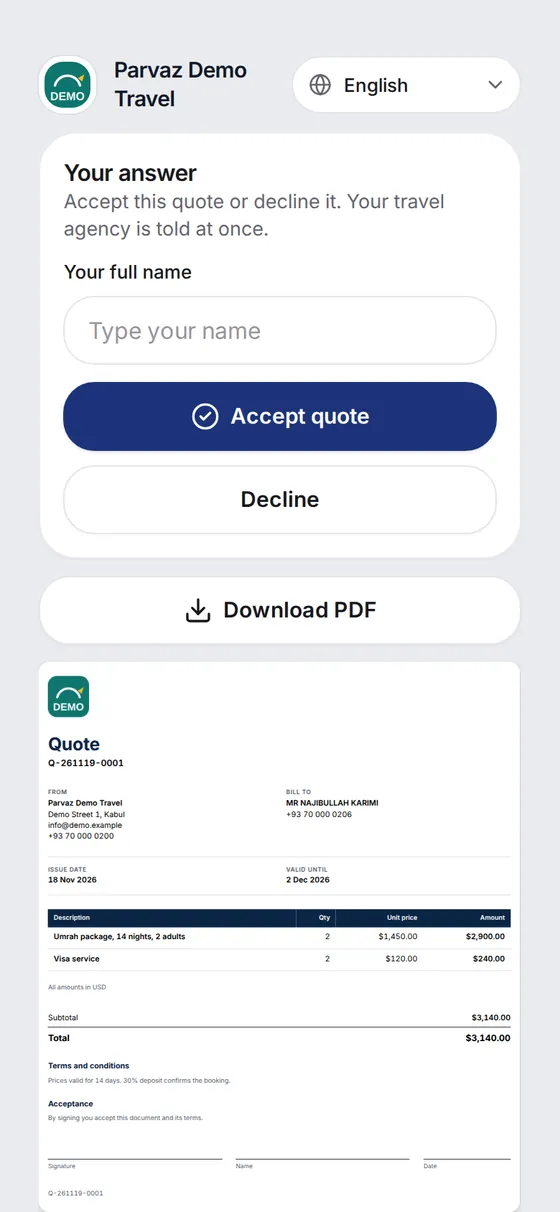
2. Send the link
Share a link or PDF on WhatsApp. The customer opens it with no account.
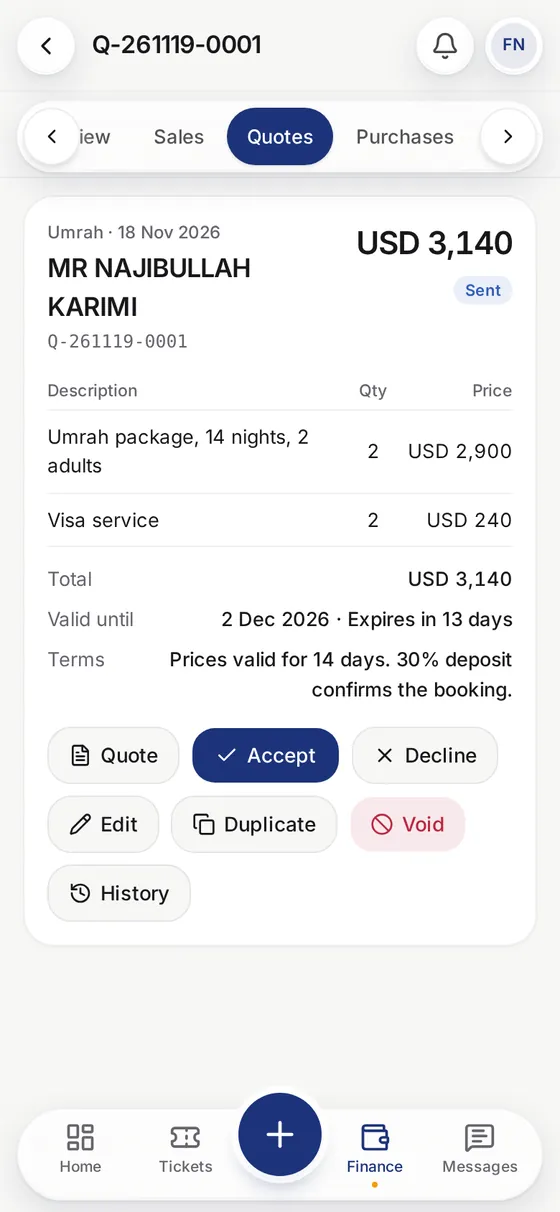
3. Accepted, then invoice
When the customer accepts, tap Make the invoice and record the deposit.
Questions
What should a travel quotation include?
Your agency's name and contact, a quotation number and date, how long the prices are valid, the customer, a line for each service with its price and currency, the total, and your terms such as the deposit and the change and cancellation rules.
What is the difference between a quotation and an invoice?
A quotation is an offer: the customer can still say no. An invoice asks for payment for something agreed. In Parvaz an accepted quotation becomes the invoice with the same lines. See invoice vs e-ticket vs receipt.
Can the customer accept the quote online?
Yes. The customer opens your link, types their name and taps Accept, or Decline. You are notified and the quote records who accepted. You then make the invoice.
Can AI write a quotation from a WhatsApp message?
Yes. Paste the message or add a photo or PDF and tap Fill with AI. You check the draft before saving. It uses AI credit, and every plan includes some.
Does a quote change my accounts?
No. A quote has no effect on balances or reports until you make the invoice.
How much does it cost?
There are two plans: Starter for up to 3 people, and Agency for any number of people, with more AI. Both have every feature. Try everything free for 14 days, no card needed. Your price is shown on the pricing page.